
Balances that always add up
A balance is simply its opening amount plus income, minus expenses, plus any manual adjustments. Edit or delete an entry and the balance follows — it can’t drift out of step.
Loading…
Personal expense tracker · Android
FinTracker is a calm, private place to record what you earn and spend, keep your own account balances, set monthly budgets and see where it all goes. No bank connection — nothing appears unless you put it there.
Why FinTracker
Three simple ideas run through the whole app.
A balance is simply its opening amount plus income, minus expenses, plus any manual adjustments. Edit or delete an entry and the balance follows — it can’t drift out of step.
Your accounts, entries and budgets live in your own FinTracker account and are visible only to you. There is no advertising and no analytics.
FinTracker never connects to your bank. Every figure is one you typed in — or a bill you chose to scan and then reviewed — so you always know where a number came from.
See it in use
Screens marked “Real screenshot” were captured on a phone. Screens marked “Sample data” are the app’s own screens filled with made-up numbers — they are not anyone’s real finances.
Home
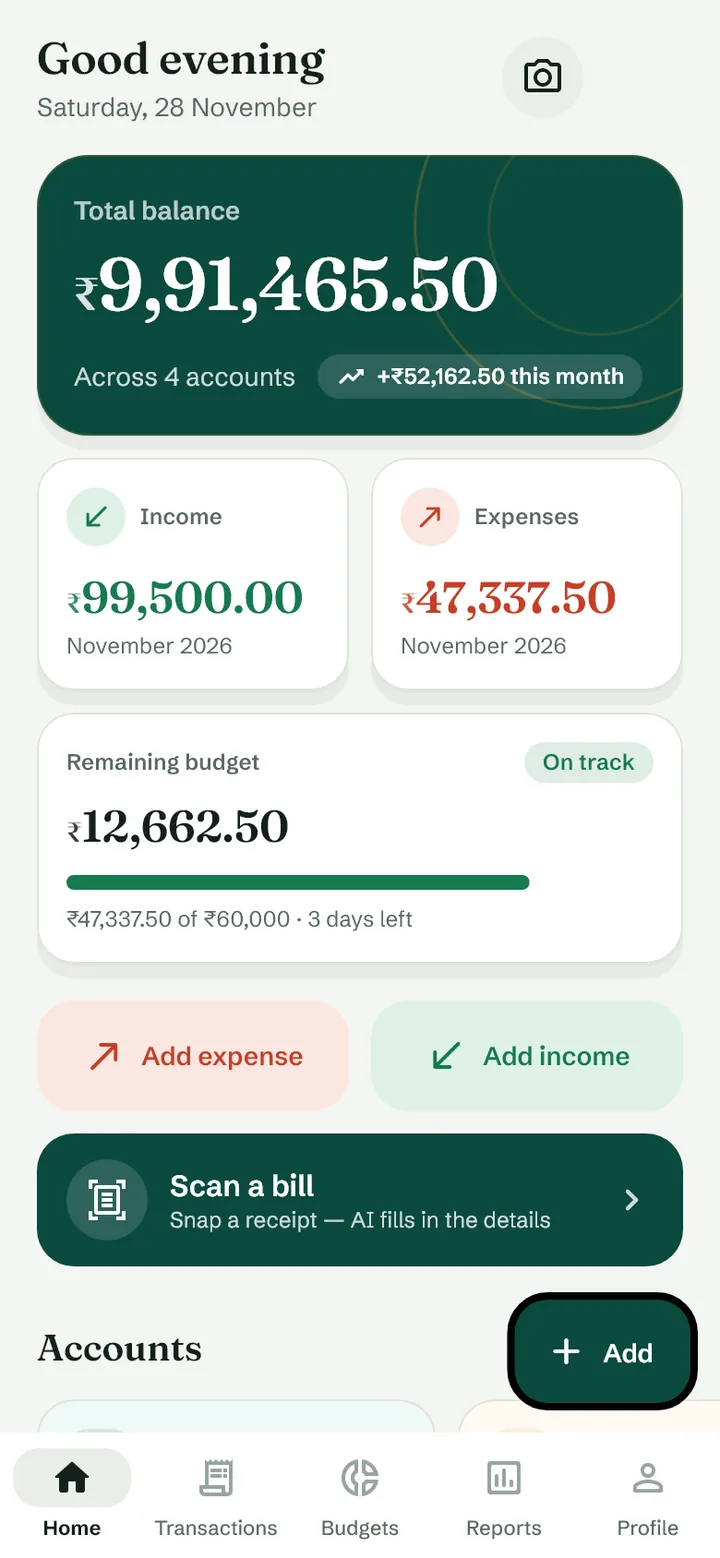
Total balance, this month, and what's left of your budget.
Sample dataBudgets
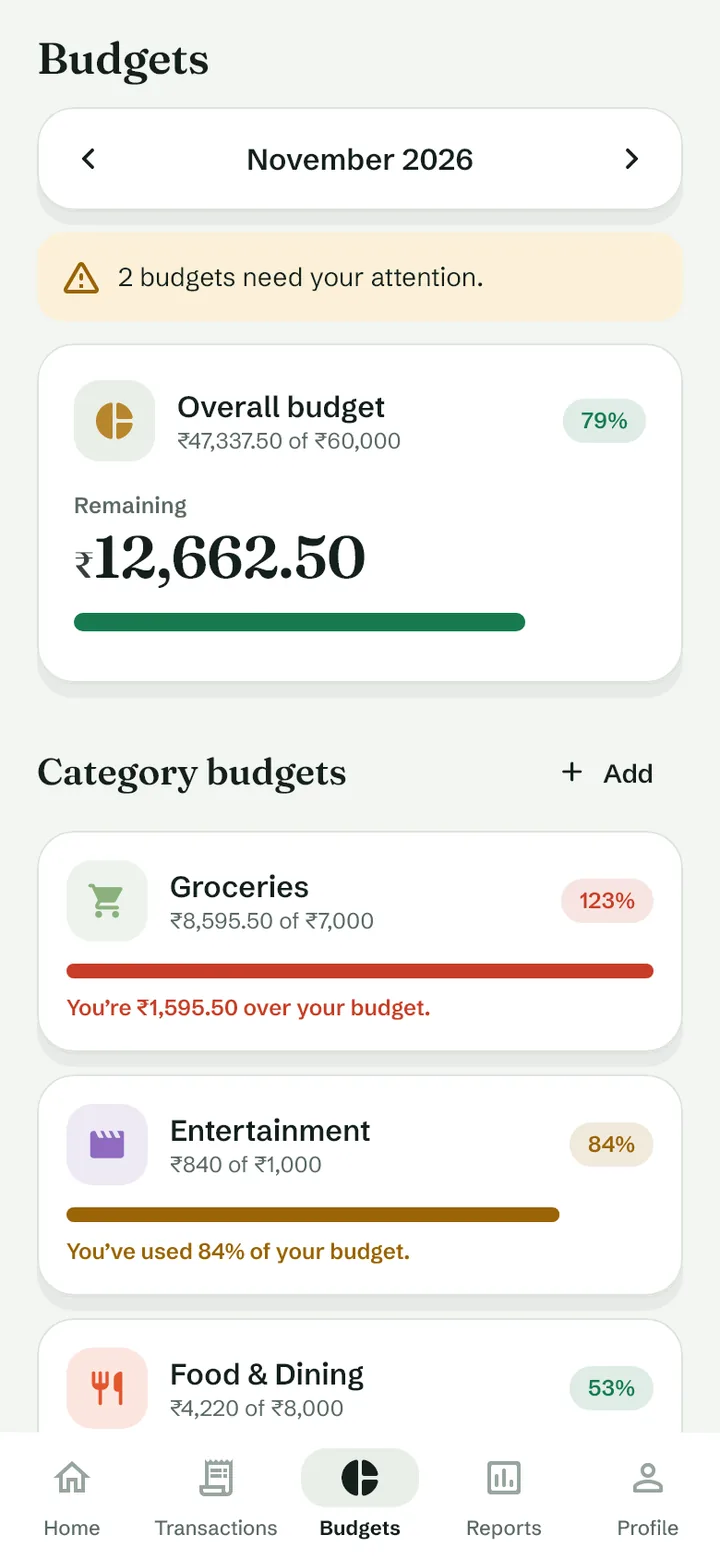
Overall and per-category budgets, with a warning before you go over.
Sample data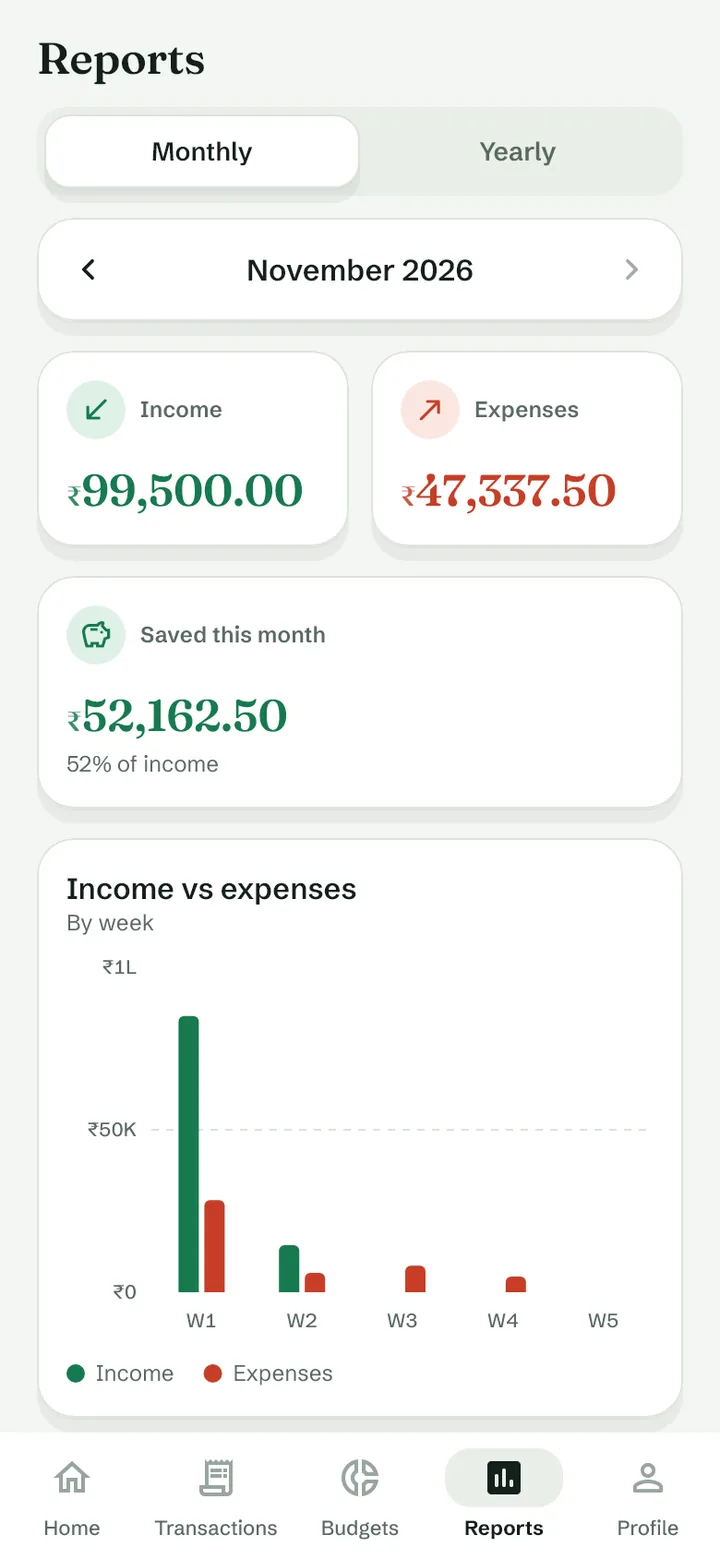
Reports
Income, expenses and what you saved, month by month or year by year.
Sample data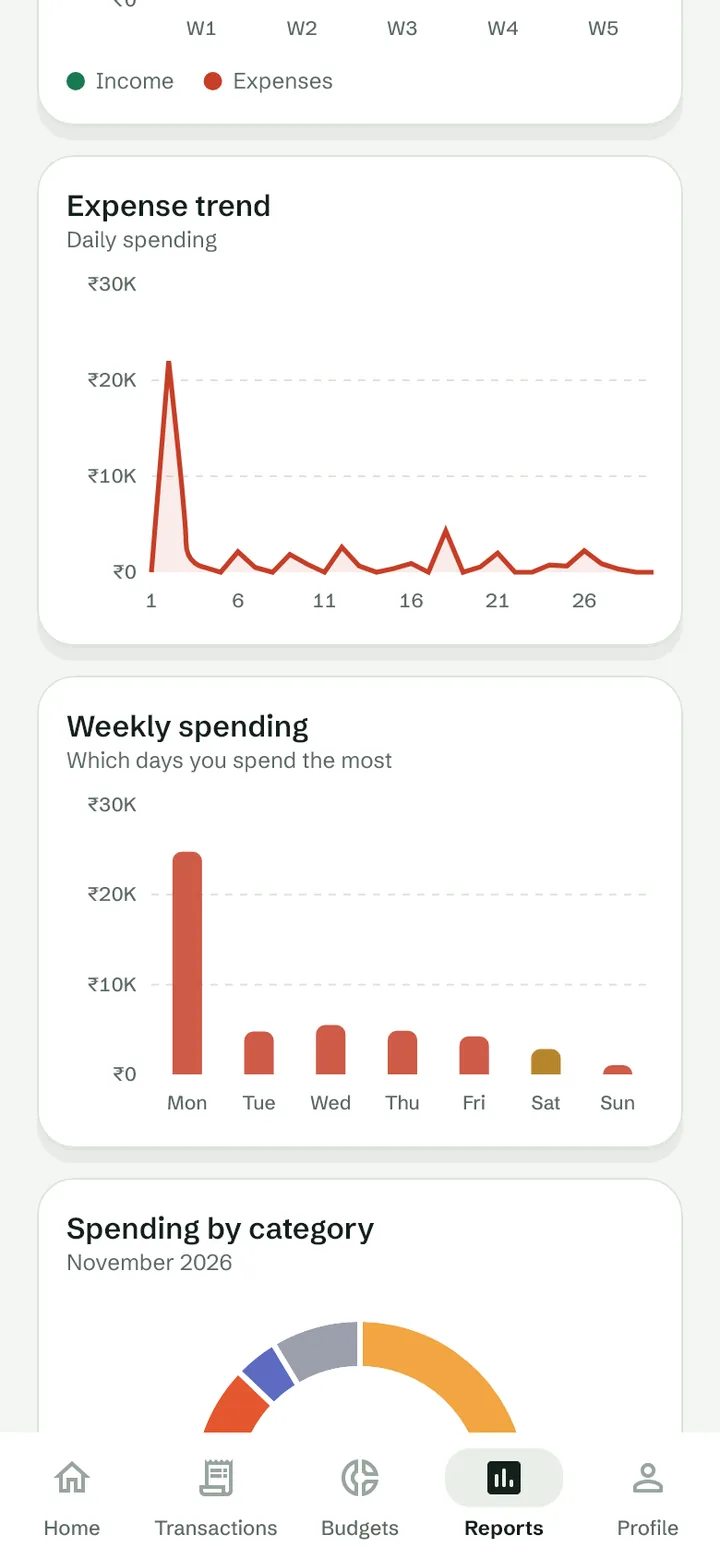
Spending patterns
Daily trend and which days of the week you spend most.
Sample dataHome, dark
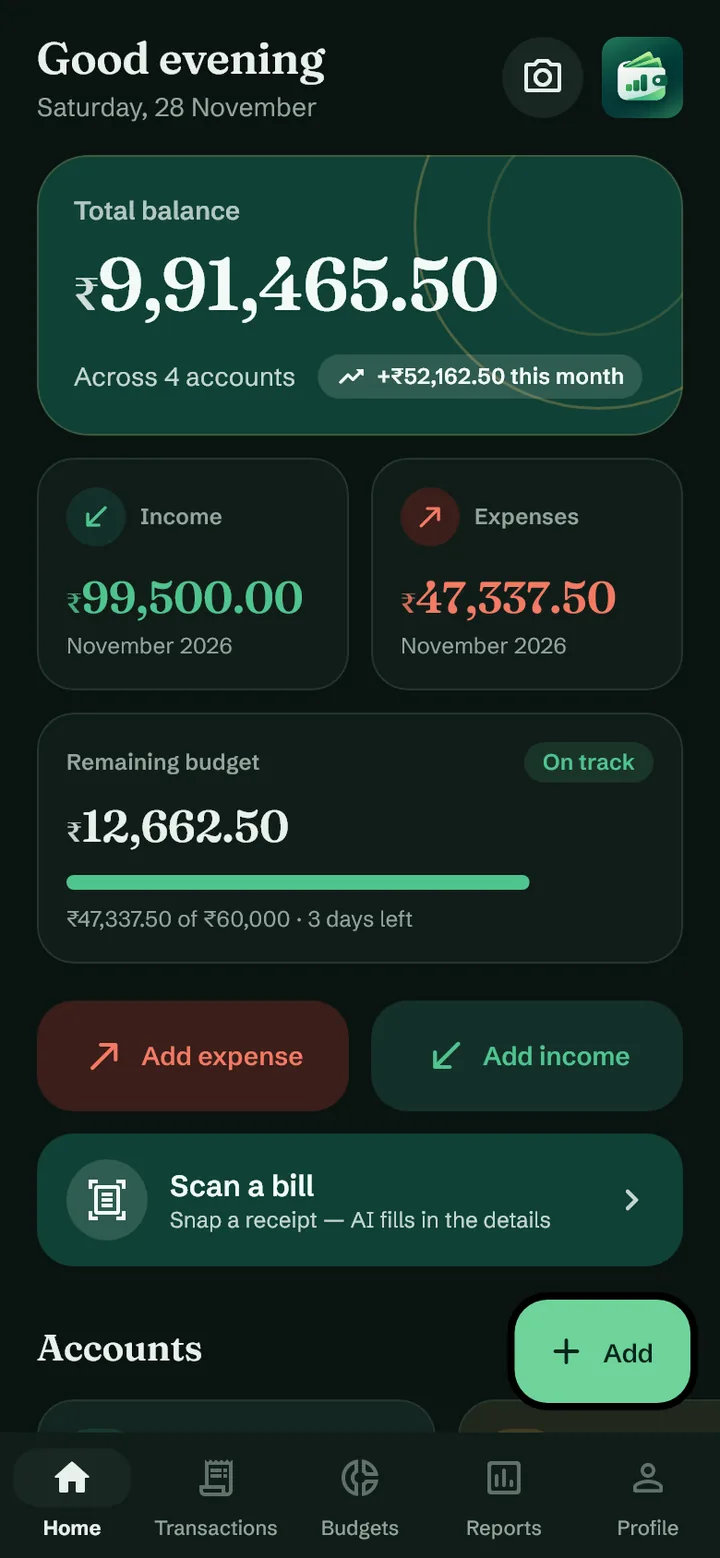
A calm dark theme, with the same clear numbers.
Sample data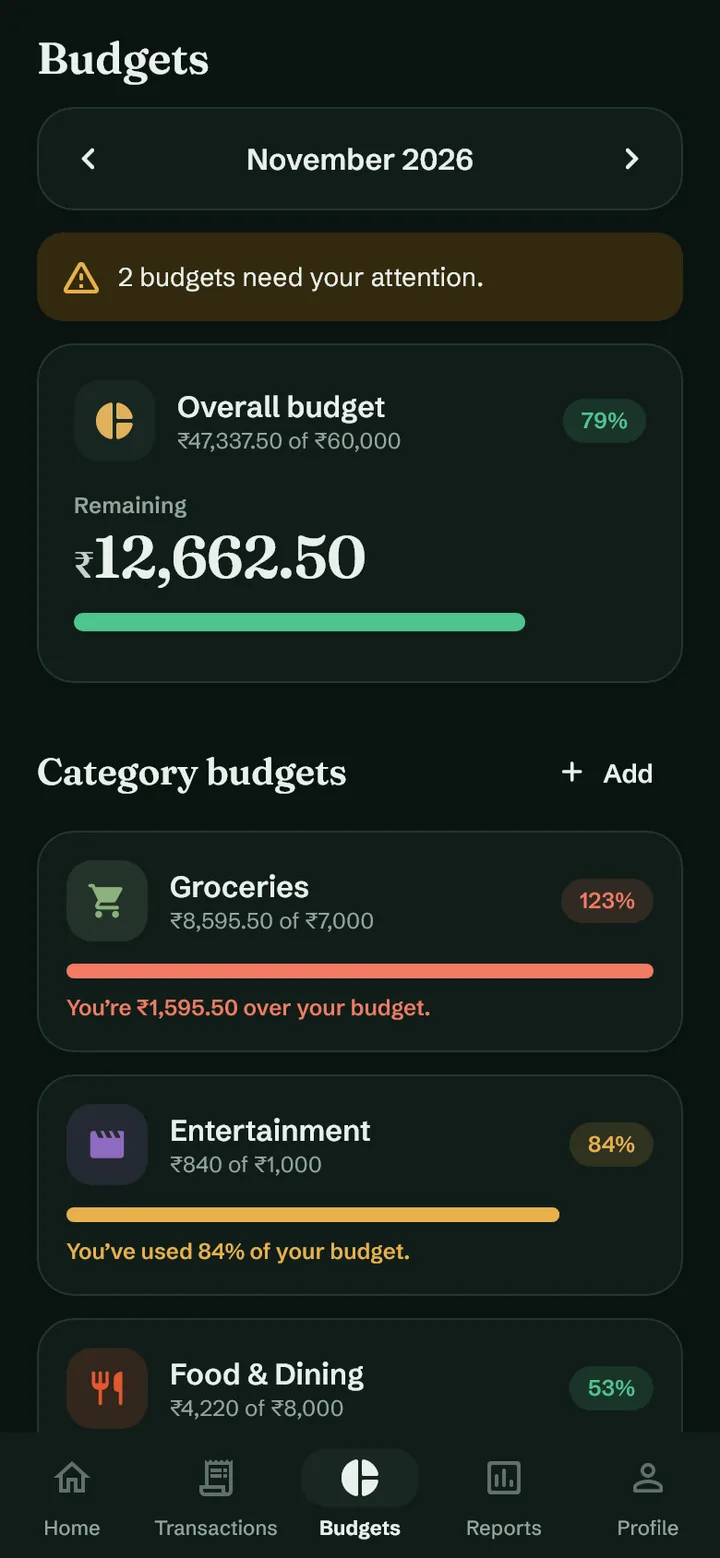
Budgets, dark
Budget progress in the dark theme.
Sample data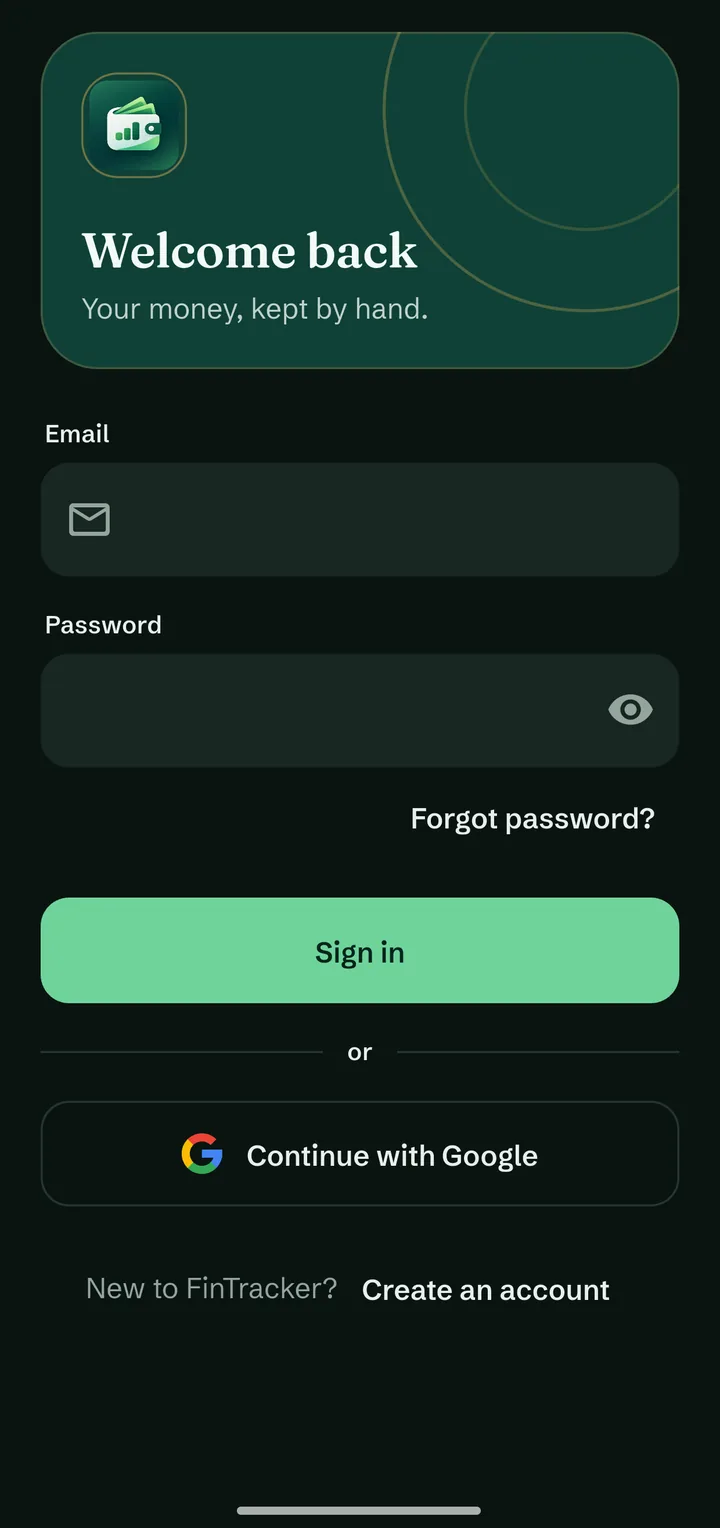
Sign in
Sign in with e-mail and password, or with Google.
Real screenshot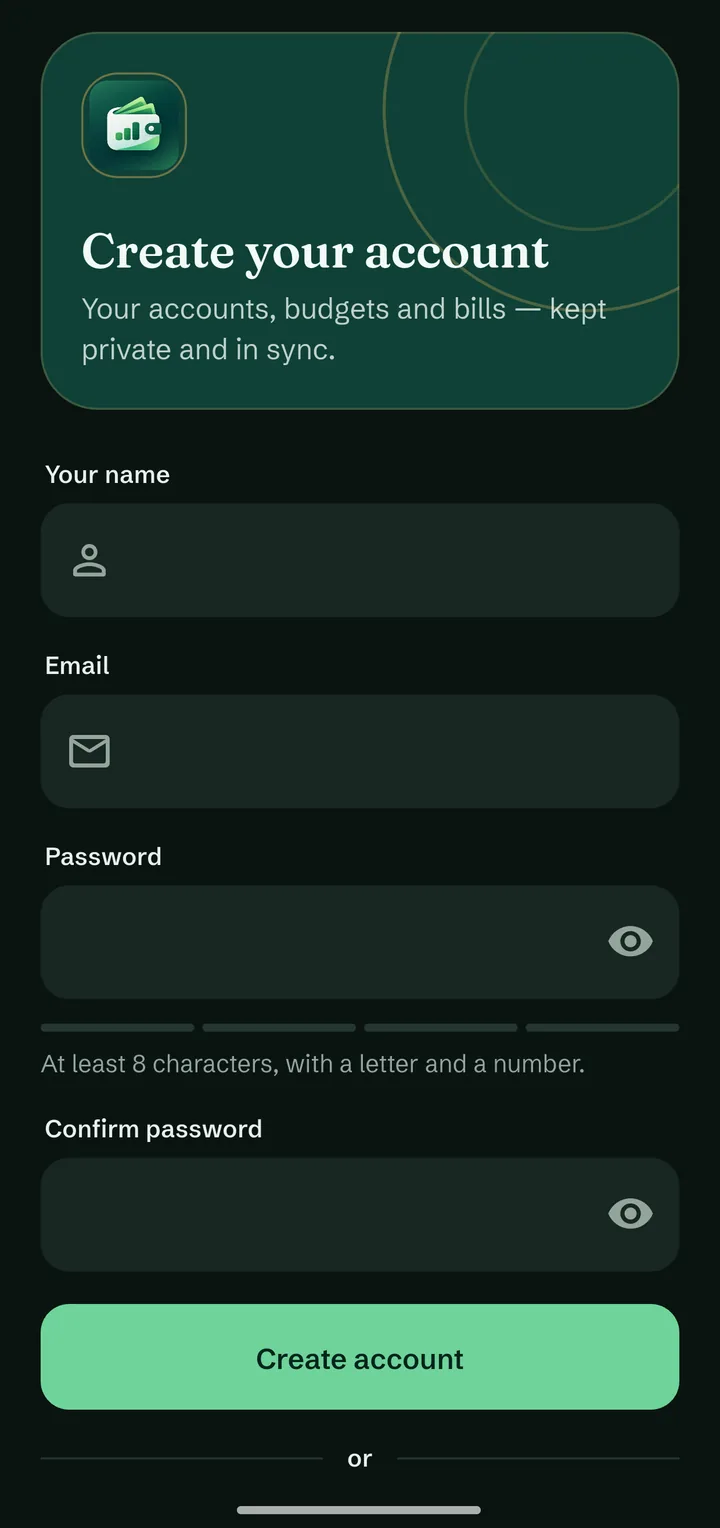
Create your account
Register with e-mail; a verification link confirms it's you.
Real screenshot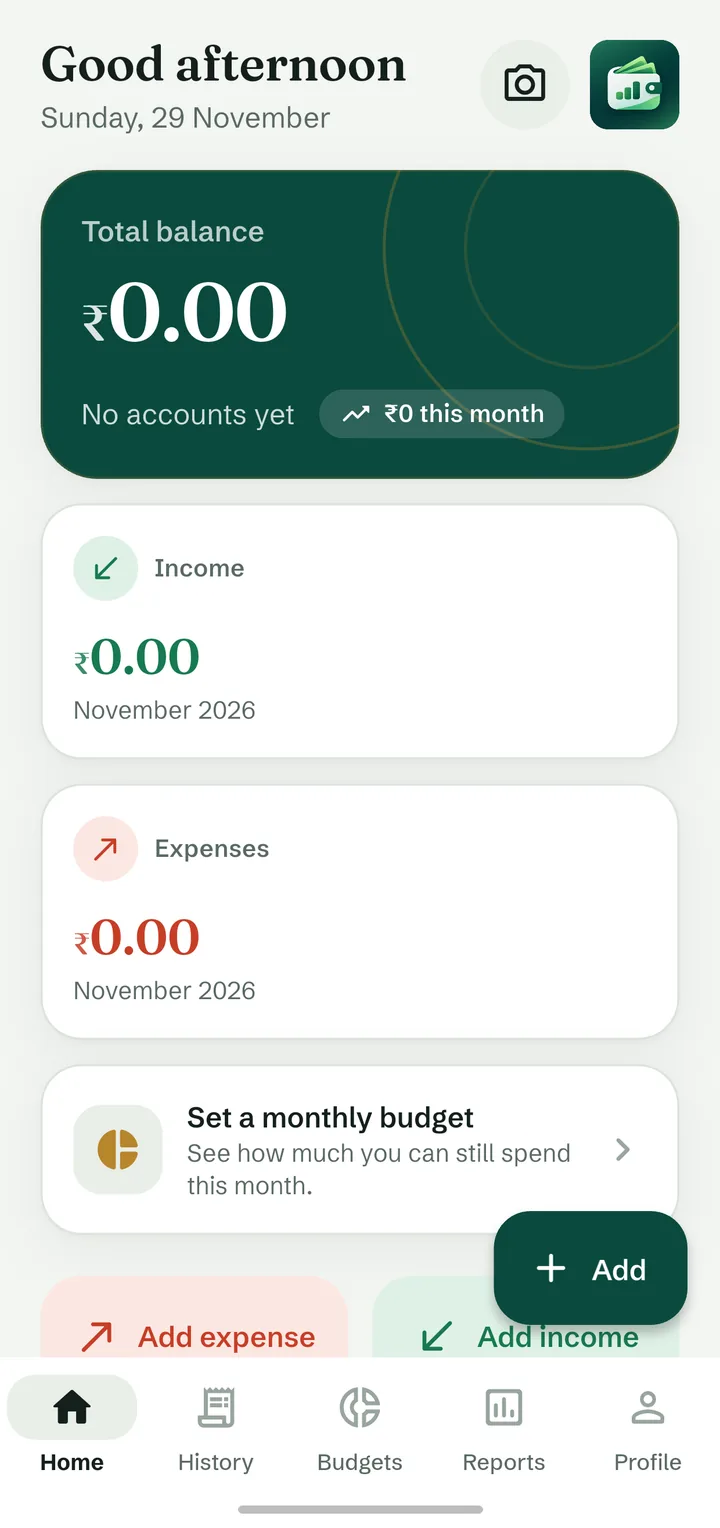
First launch
A fresh account: nothing is pre-filled, because every figure is yours.
Real screenshotWhat it does
Record what comes in and what goes out — with a category, an account, a date and an optional note.
A balance for each bank account, wallet or cash pot — maintained by you, not pulled from a bank.
Eighteen ready-made categories — twelve for expenses and six for income — and as many of your own as you like.
Set an overall budget for the month and a budget for any expense category.
See where your money went — month by month, or across a whole year.
Photograph a bill and let AI read the details. You review and edit everything before anything is saved.
How it works
Register with an e-mail address and password — then tap the verification link we send — or continue with Google. Your data belongs to this account.
Add each bank account, wallet or cash pot with the balance it has today. That opening balance is the starting point FinTracker builds on.
Add income and expenses with a category and an account. Your balances, the home screen and your reports update straight away.
Get started
For Android 7.0 or newer. Installs from an APK file — the Download page shows the current version and how to check it.